Product goals
- Make the first useful lesson easy to find.
- Keep the visual language warm and approachable.
- Connect practice, correction, and return visits.


 Xcode
Xcode ChatGPT
 Figma
Figma Google Gemini
Everyday Igbo for beginners.
An iPhone app for beginners learning Igbo through everyday words and conversations.
01 · Overview
Owolingo helps beginners learn useful Igbo phrases and return to them through guided practice.
I designed and built Owolingo as a place to start learning Igbo. The course is organized around everyday topics, from greetings and family to food and travel.
The challenge was to make the first lesson welcoming without losing the structure learners need: an introduction to each phrase, a chance to recall it, useful feedback, and a clear way to continue.
The challenge
Give beginners enough guidance to start, practice, and pick up where they left off.
I designed and developed Owolingo with AI-assisted tools. The app screens and design explorations shown here come from the project. The learner persona, journey map, story map, and wireframes were created later to explain the work; they are assumptions, not findings from user interviews.
02 · Research
The app is designed for people starting Igbo from the beginning. These needs guided the work and still need to be tested with learners.
I reviewed learning research and existing language products to inform the case study. These sources provide context; they are not user research on Owolingo.
LEARNING SCIENCE
A study of foreign-language vocabulary found that repeated recall improved later retention. It supports separating the introduction of a phrase from later recall practice.
In Owolingo Learners see the meaning first, then answer recognition and recall questions.
Karpicke & Roediger, 2008 ↗PRODUCT PATTERN
Duolingo describes its path as a way to make the next lesson clearer and include practice in the learning sequence.
In Owolingo Home recommends a next step while the course map shows the wider path.
Duolingo’s design rationale ↗CATEGORY CONTEXT
NKENNE offers Igbo audio lessons, captions, and cultural content. Its approach provides context for Owolingo’s focus on beginner phrases and guided practice.
In Owolingo The first course focuses on useful phrases and guided practice.
NKENNE’s Igbo offering ↗| Lens | Duolingo | NKENNE | Owolingo direction |
|---|---|---|---|
| Finding a next step | Guided learning path | Advertised audio lesson library | One recommendation + topic exploration |
| Practicing meaning | Practice integrated into the path | Audio-synced captions advertised | Reveal → recognize → recall → construct |
| Connection | Characters support the experience | Igbo culture and community advertised | A companion and everyday contexts |
| Evidence limit | Vendor design account | Vendor feature descriptions | Implemented prototype; learner testing pending |

Learner profile · assumption
An English-speaking adult who wants to learn Igbo for everyday conversations, including with family. They are looking for a manageable starting point and a private space to practice.
After the first lesson, would they feel ready to try a greeting?
03 · Learner journey
I mapped the steps a beginner might take, from setting a goal to returning for another lesson.
A short introduction and a daily goal give the learner a place to begin.
The lesson introduces the meaning before asking the learner to recall it.
Saved lessons and review give returning learners a clear next step.
Story map
I mapped the activities and interactions in the current app, from onboarding through practice and review. The map distinguishes the current learning flow from opportunities to explore next.
IN THE APP
The map follows a route in the current app: choose a topic, preview a lesson, learn the phrases, and answer a question.
Watch the walkthrough ↗04 · Structure and flow
Home suggests a next step, My Course shows the learning path, and Phrasebook lets learners find a specific word or phrase.
On Home, learners can browse topics or follow a recommendation. My Course brings the lessons together in a more structured path. Recommendations change when a learner has a saved lesson or review to return to.
ENTRY
The overview states the goal and previews the phrases in the lesson.
RECOVERY
An unfinished session can be saved and resumed with its original sequence.
EXIT
The learner can continue to the next lesson or practice phrases they missed.
05 · Design process
The biggest change was moving from camera-led discovery to a built-in course. These original designs show that change; the wireframes below were created afterwards to explain the current structure.
THE CHANGE IN DIRECTION
The first concept began with the world around you: scan an object, learn its name, save it, and practice it later.
As I developed the idea, I wanted Owolingo to help beginners learn in a deliberate sequence. I shifted to a built-in Igbo course, organized into topics and lessons that introduce phrases before asking learners to recall them.
Earlier high-fidelity concept · scan, save, and study
Learning begins with an object the learner finds.
Preloaded topics and guided practice give beginners a sequence to follow.
The earlier images are original design explorations; the current screen is from the app. The change reflects my product direction, not a claim of user-test results.
A DESIGN ITERATION
In an earlier build, the answer choices stayed on screen after submission, pushing the feedback below the visible area. I explored a more focused result screen, then brought the layout into the app.
The middle image is a visual exploration. The first and third images are captures from the app.
A simplified view of the main screens and their primary actions.
A closer look at the content and interaction on each screen.
Three changes shaped how the lesson works and how learners move through the course.
TEACHING SEQUENCE
Earlier lessons repeated several exercises around each phrase. The revised sequence introduces all five phrases first, then moves through recognition, recall, and a phrase-building exercise.
To test: Whether this sequence helps beginners remember and use the phrases later.
FEEDBACK & LAYOUT
In an earlier build, the answer choices and feedback competed for space. The revised screen replaces the choices with a focused result, leaving room for the explanation and Continue button.
To test: Whether the explanation gives learners enough context to understand an incorrect answer.
NAVIGATION
Home uses a swipeable topic feature alongside a recommendation. My Course gives learners a more structured view of the lessons. Topic and practice screens retain the curved selector.
To test: Whether learners notice the topic carousel and know where to find the course map.
06 · Visual design
The identity brings together a speech-bubble mascot, rounded typography, warm neutrals, and a yellow primary color.
BRAND IDENTITY
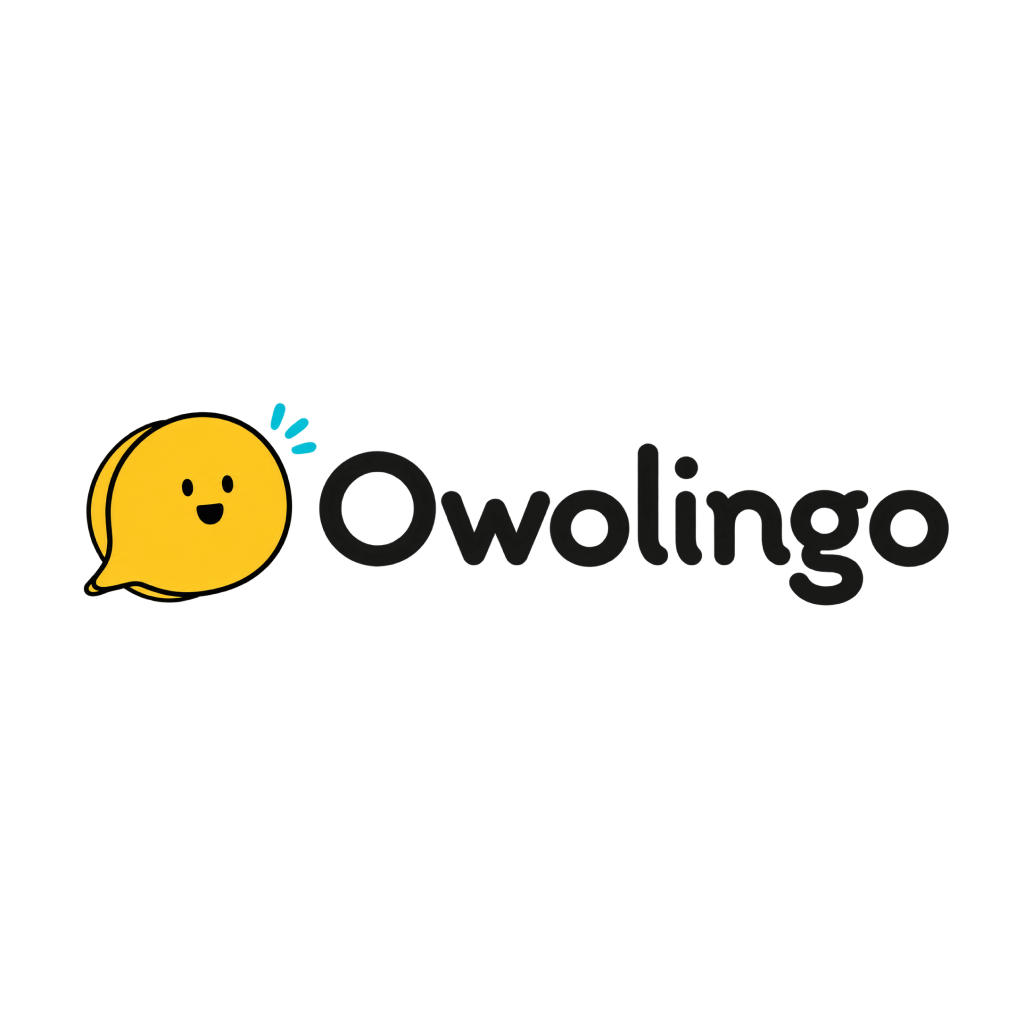
The mascot appears throughout the app, changing expression to support different moments in the lesson.
APP COLORS
TYPOGRAPHY
Igbo diacritics remain meaningful. The app checks glyph support and uses a system fallback when needed.
ICONOGRAPHY
Navigation icons shown in the app.
ILLUSTRATION
Each illustration gives a topic its own identity while keeping the same familiar companion.
The mascot also changes expression for listening, thinking, speaking, and celebrating.




Real interface details, captured from the iPhone build.
The app supports larger text, labeled controls, and Reduce Motion. A complete VoiceOver and physical-device accessibility review is still needed.
07 · The app
App captures from onboarding through practice and progress.
Learners first reveal a phrase’s meaning, then answer questions without the translation shown. Feedback and retries help them continue when they make a mistake.
The progress screen brings a learner’s streak, recent practice, and activity together.
A one-day streak, seven-day practice view, and learning statistics in the app.
This is a development build. Audio and course content still need independent Igbo-speaker review, and the experience has not yet been tested with learners.
A closer look
A walkthrough of Greetings, including a wrong answer, a retry, and lesson completion.
Recorded from the iPhone Simulator.
08 · Reflection
Building Owolingo taught me to make room for clarity, warmth, and a way back when things go wrong.
Small steps.Swipe to read all six takeaways →
Give beginners a clear place to start.
Introduce the phrase before asking learners to recall it.
Good feedback needs room to be seen and understood.
Make it easy to pause, return, and try again.
A friendly character can bring warmth to focused practice.
Getting the language right needs qualified Igbo speakers.
Test the first lesson with learners, check what they remember later, and review the Igbo content with qualified speakers.
Owolingo’s SCREEN_IMPLEMENTATION_SPEC.md (revisions 4–9), LEARNING_RESET_IMPLEMENTATION.md, FOUNDATIONS_RELEASE_STATUS.md (28 October 2026), native source, and Simulator captures inform the product narrative. Historic test results are project records, not new usability research.
The homepage cover was supplied for this portfolio. The case-study banner is an AI-generated illustration based on the app mascot. Topic illustrations and expressions come from the app; diagrams and wireframes were created for this case study. The earlier scan-based screens are the owner’s original design explorations. Current product screens and the walkthrough come from the native development build; the progress screenshot was supplied by the owner.
Independent product design and development · 2026